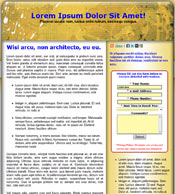
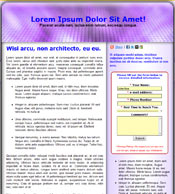
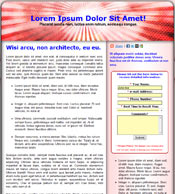
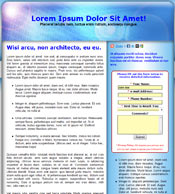
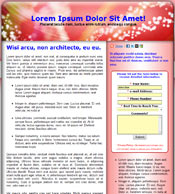
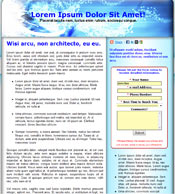
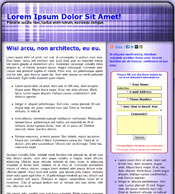
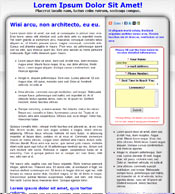
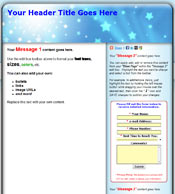
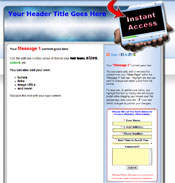
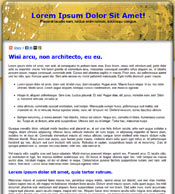
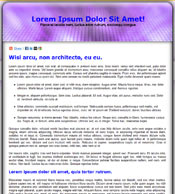
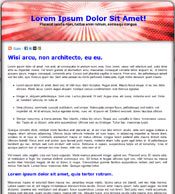
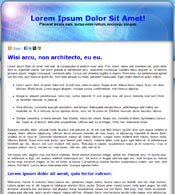
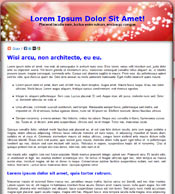
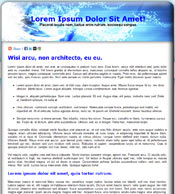
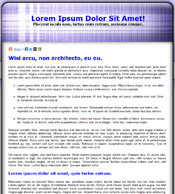
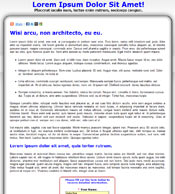
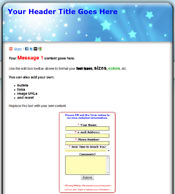
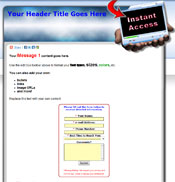
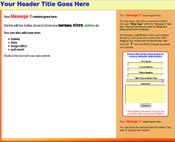
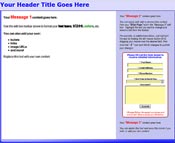
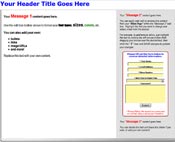
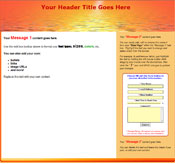
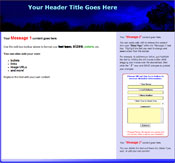
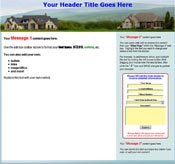
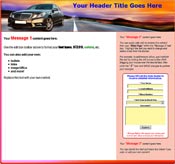
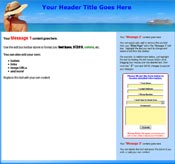
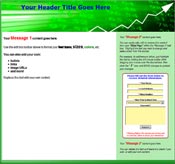
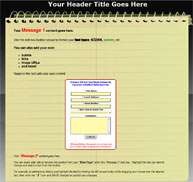
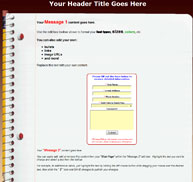
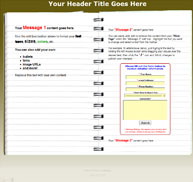
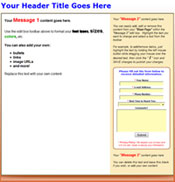
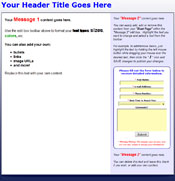
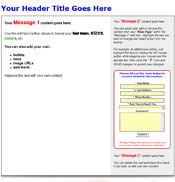
You can view the template by clicking the thumbnail images below. Then, click the "BACK" button on your browser to return to this page. After you decide which template you want to use, close this window (tab) to return to the Blast Page Publisher and click the blue template button for the template you want to use.
NOTE: Changing templates will NOT remove any content that you may have added to your pages. However, line wrapping and content positioning may change depending on the template you choose. You can always switch back to your original template and re-publish your page any time you want. Remember, you must continue to step 2 and click the "PUBLISH Changes" button at the bottom of the publish page before any changes are updated.